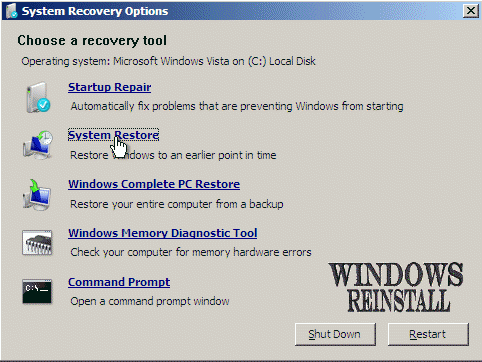
From the "Recovery Options" menu select
"SYSTEM RESTORE"...
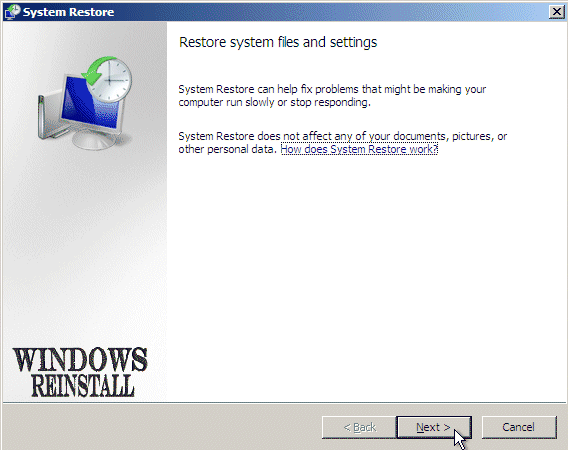
The "Restore files and settings" menu will appear,
click "NEXT" to continue.
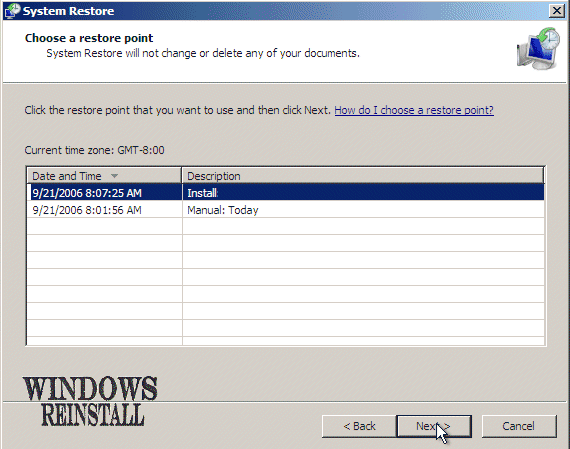
Now from a selection of "Restore points" select
one which you wish to restore too. Once happy with selection then click on
"NEXT" to continue....
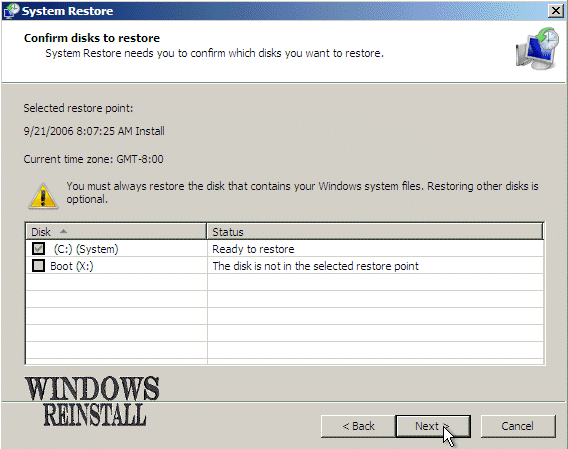
You are now given an option to restore other disks along
with the operating system drive. If you have no problems with them then just
restore the main drive.
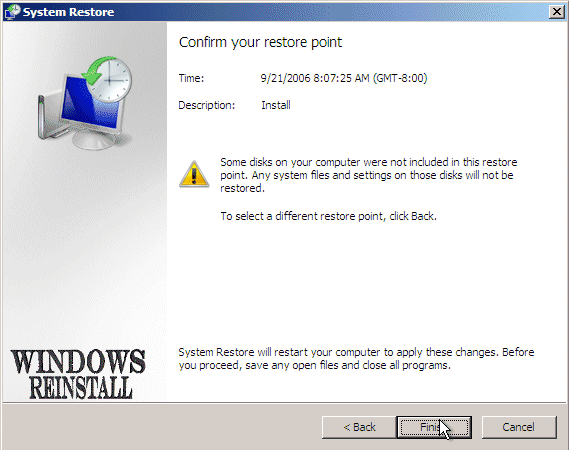
Now you are asked to confirm the restore point. Click
"FINISH" to continue, or "BACK" to select another drive
or restore point.
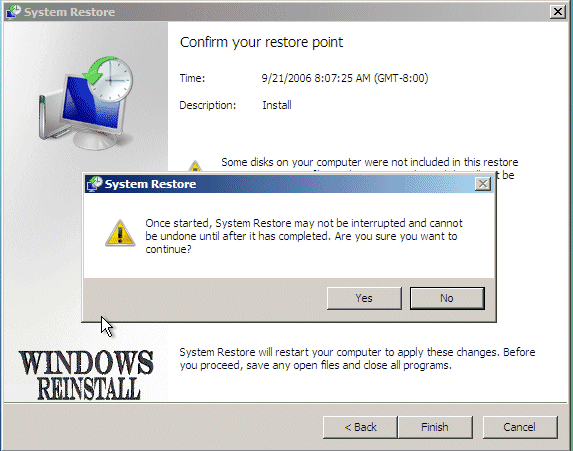
You are now asked one final time to confirm that you wish to
continue. Click "YES" to continue or "NO" to select
another drive or restore point.
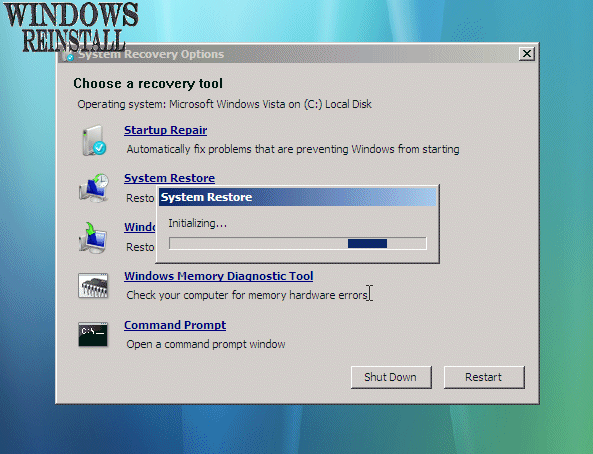
"System Restore" will now initialize...
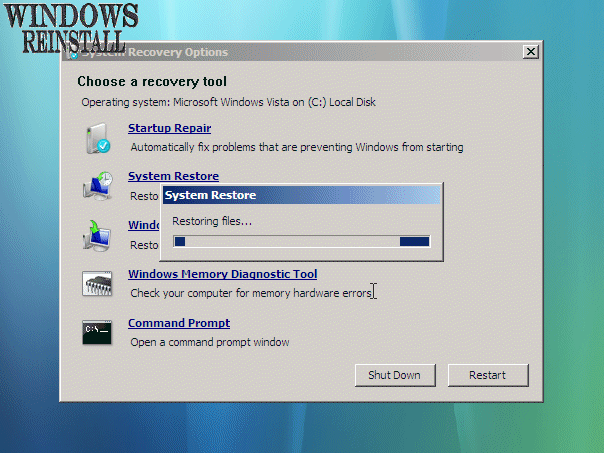
System Restore will now restore files, this may take
sometime so be patient....
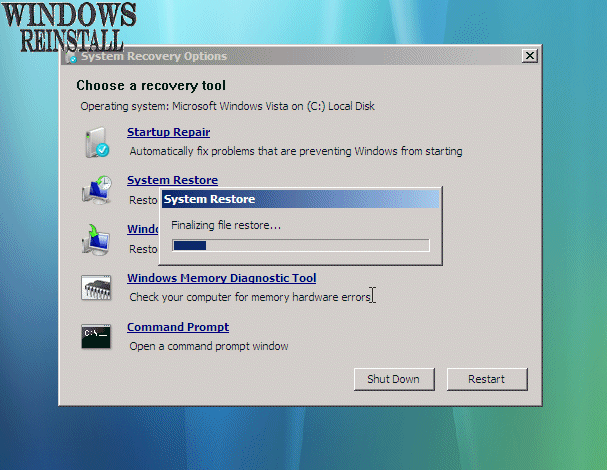
System Restore will now Finialize the restore, this may take
sometime so be patient....
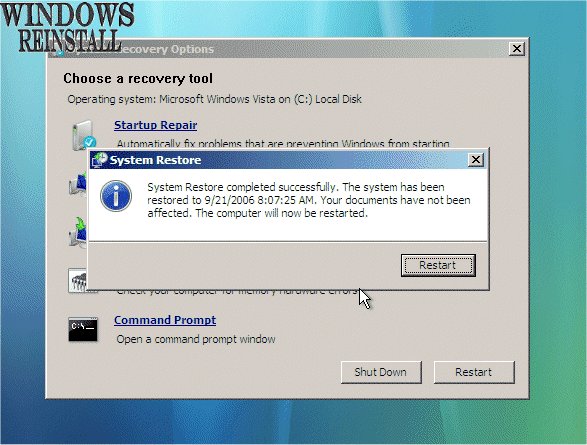
Once done, it will tell you if it has been successful or
not, if so click "RESTART" to restart the computer, if not then
try a different date.
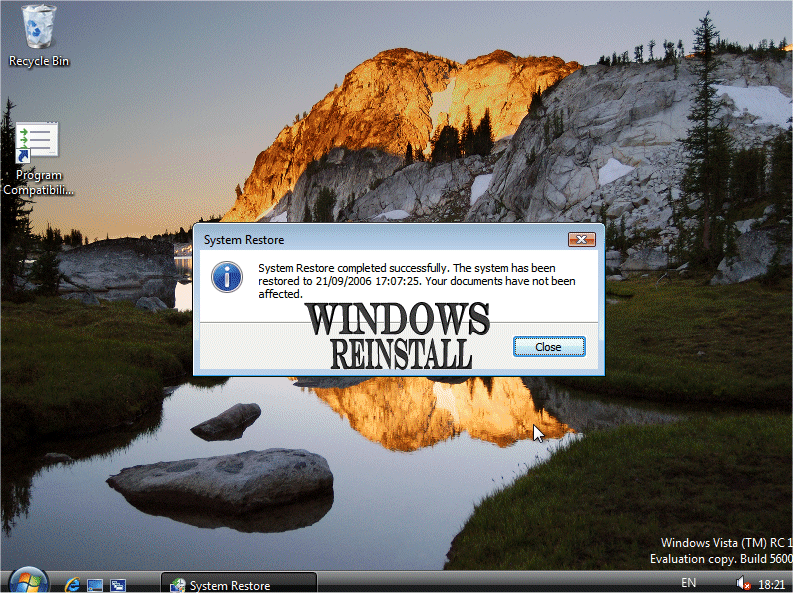
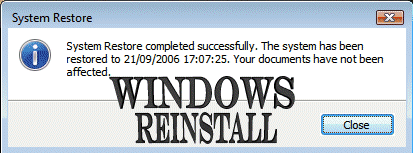
Once rebooted and you get to the desktop, you will get a
confirmation of the restores success. Click "CLOSE" to continue.
THE END