Your mouse should now be active, click on install
now.

The installation will begin.

You will now be informed of how easy it is to install
Windows, click next to continue.
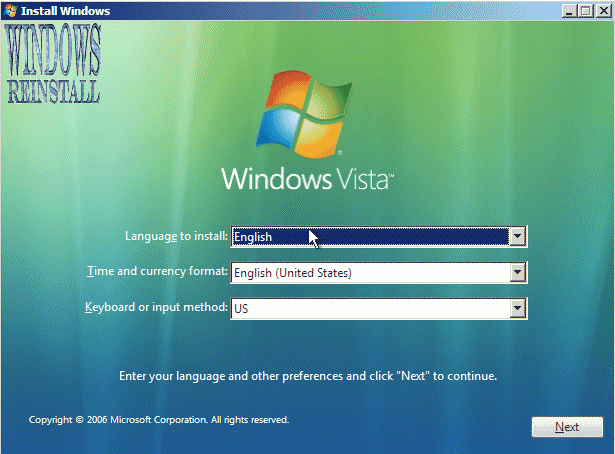
Now on your CD/DVD, your Windows manual or on your
computer will be the Windows product key, find it and input it into the
box below "Product Key". Now select or deselect the "Automatic
Activation" check box. Click next to continue.
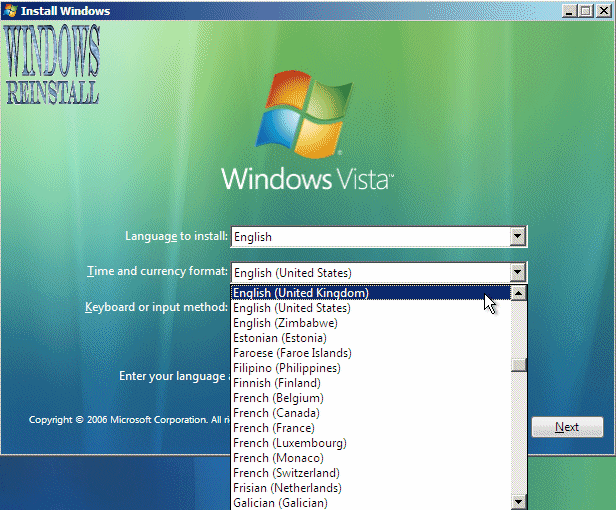
Now the license agreement will appear, read and if you
agree with the terms click next.

Now select "Custom". You may only upgrade if you started
install in Windows.
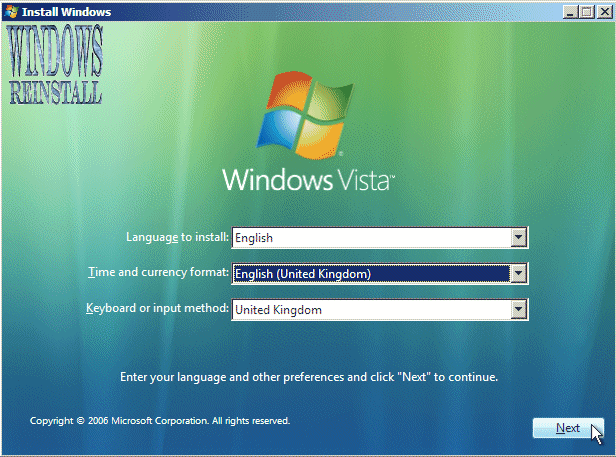
Click here for Part 3